
Stop losing orders
and follow-ups in WhatsApp.
Assign chats, see customer history, collect payment, track orders, and follow up from one shared workspace.


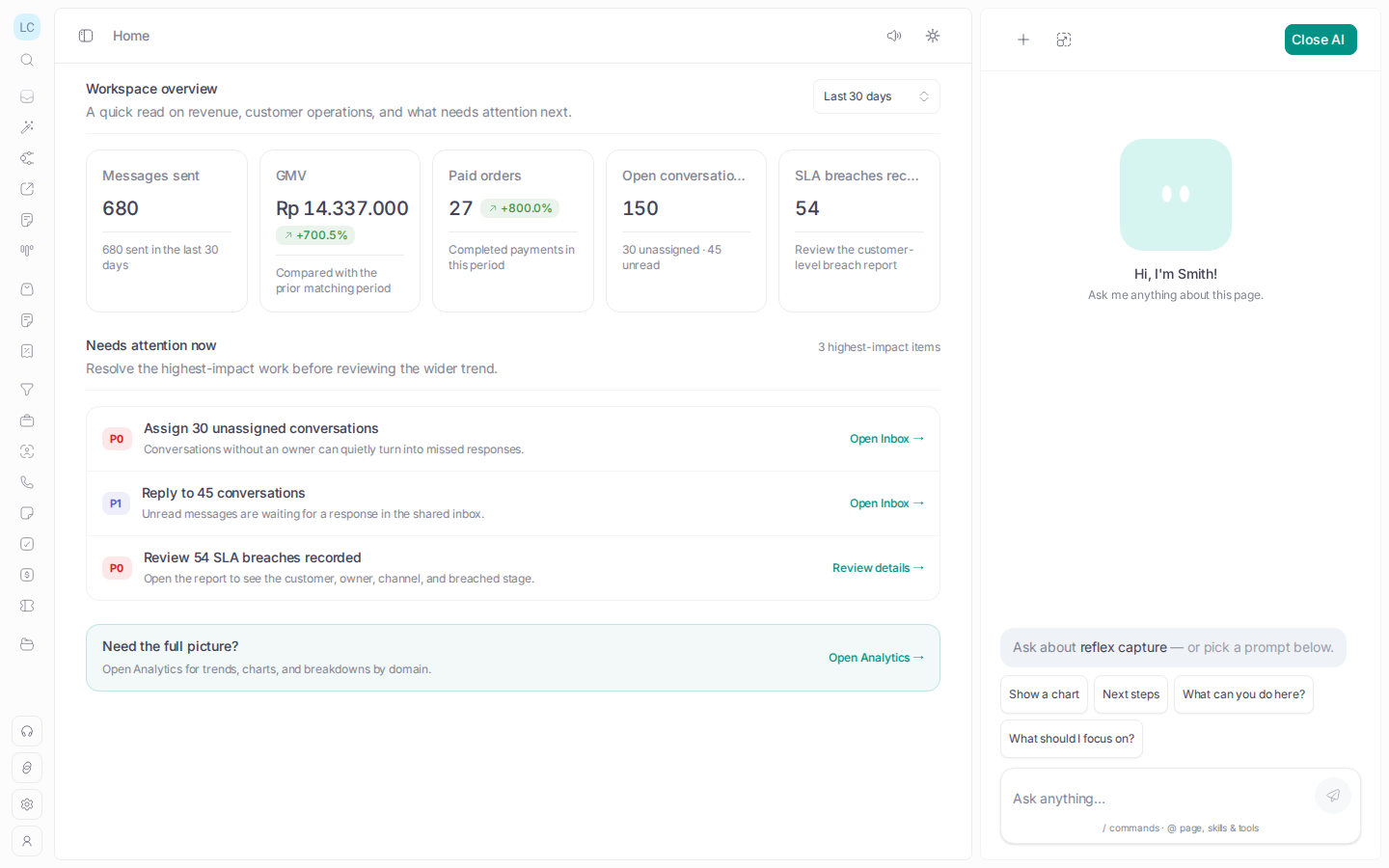
Know what is waiting before customers ask again.
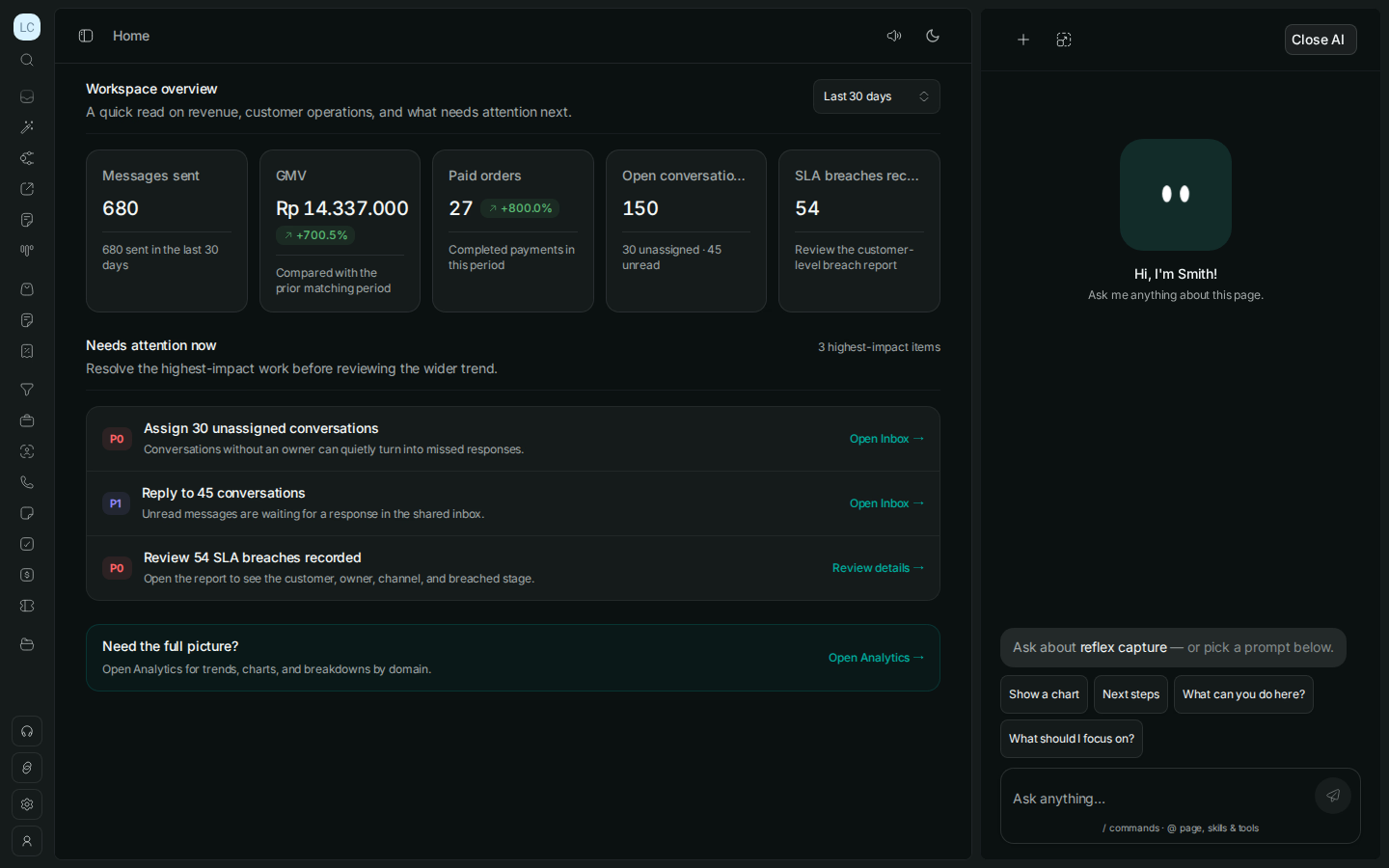
A single view of the conversations, payments, and orders that need a next step.
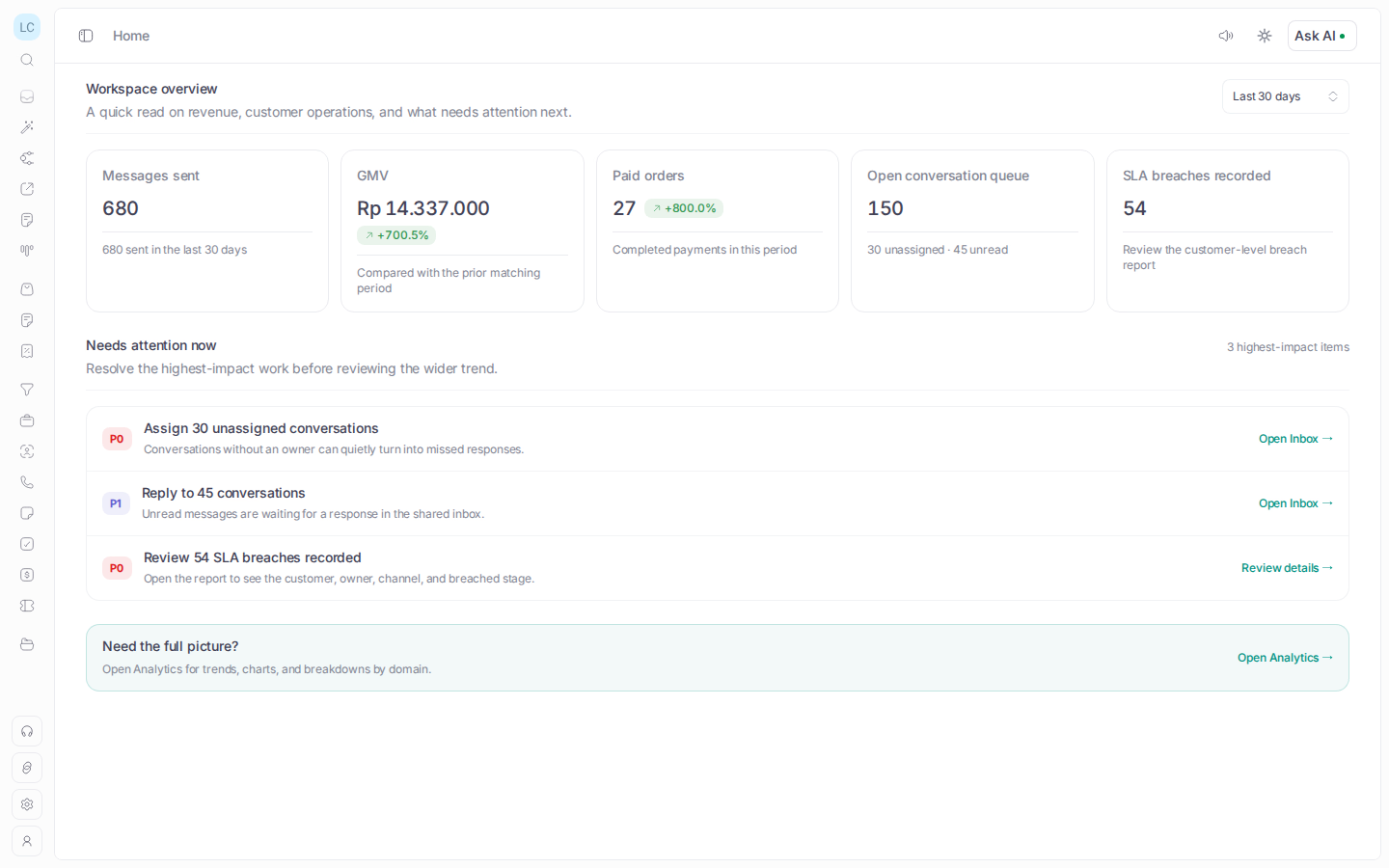
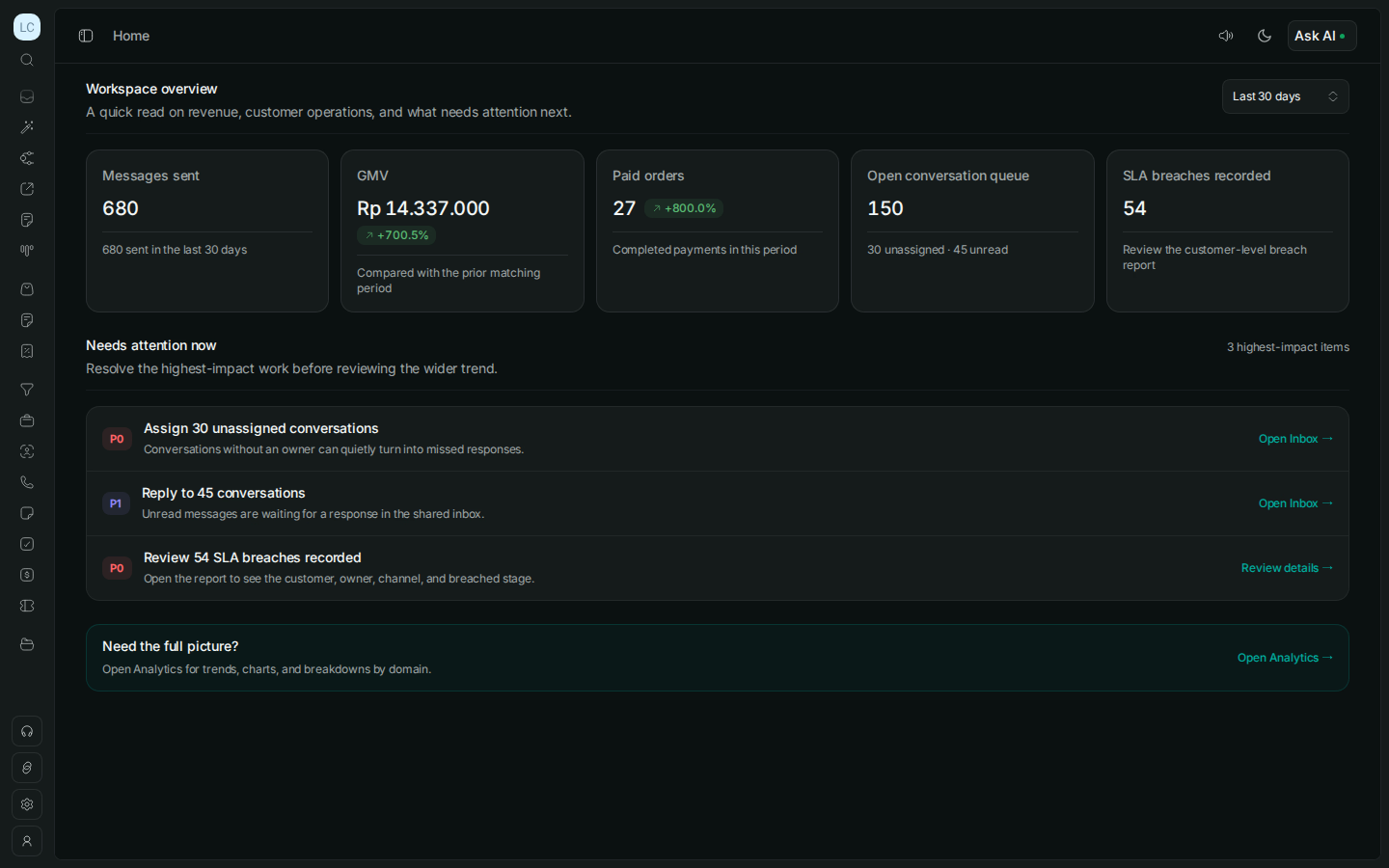
A reply is only the start.
See what still
needs to move.
See how a reply becomes an assigned task, a prepared answer, or a completed order.
AI does the repeatable work. Your team decides what moves next.
Let AI answer routine questions, shape a reply, or prepare a campaign. A person stays in control.
Conversational AI
Let AI handle routine customer questions using information your team has approved. A person can step in whenever needed.
Smith Copilot
Understand the conversation, summarize what happened, improve a reply, adjust the tone, or prepare a broadcast draft.
Smith Operator
Tell Smith to prepare a campaign or campaign graphic. Review and edit the result before anything is published.
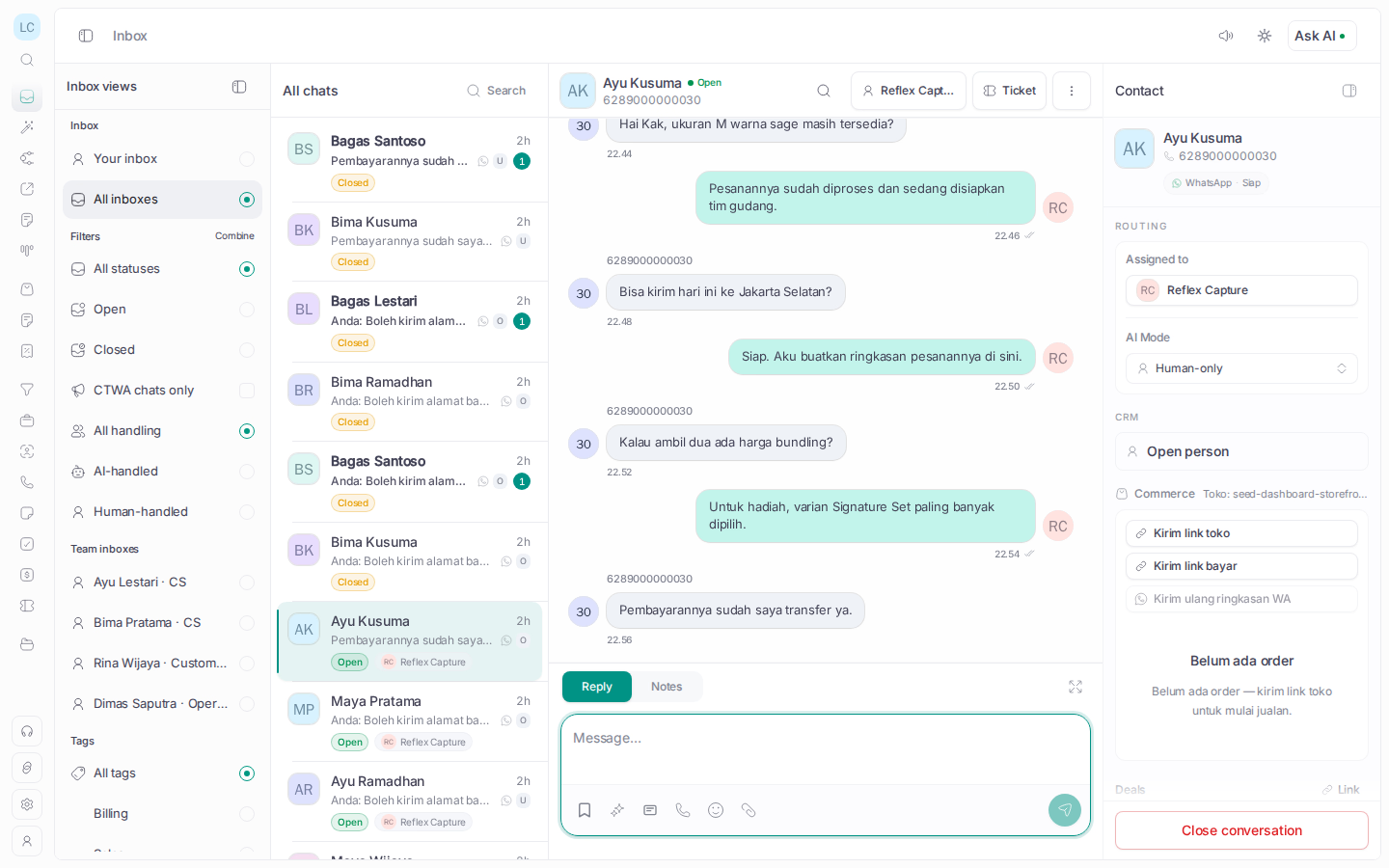
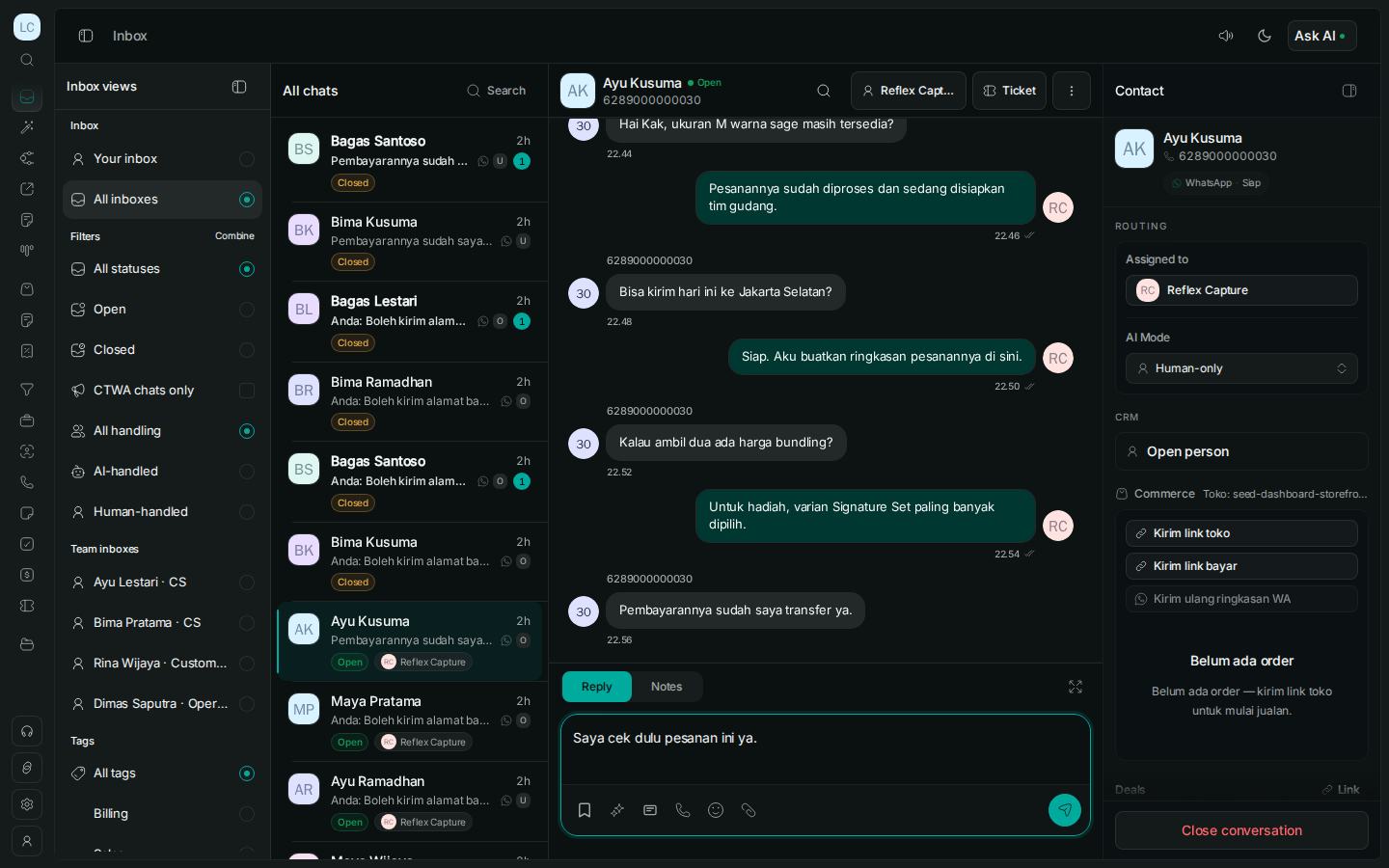
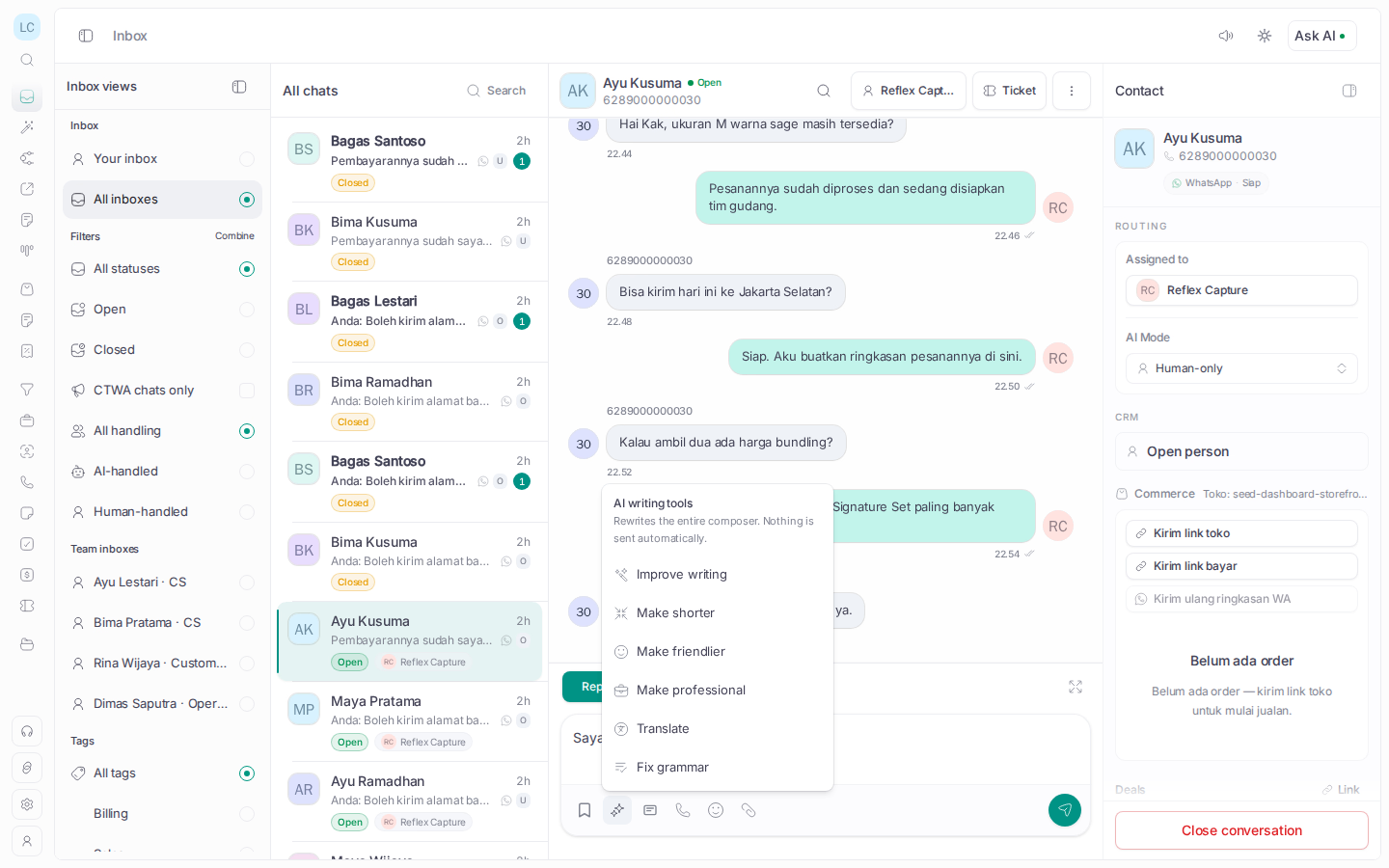
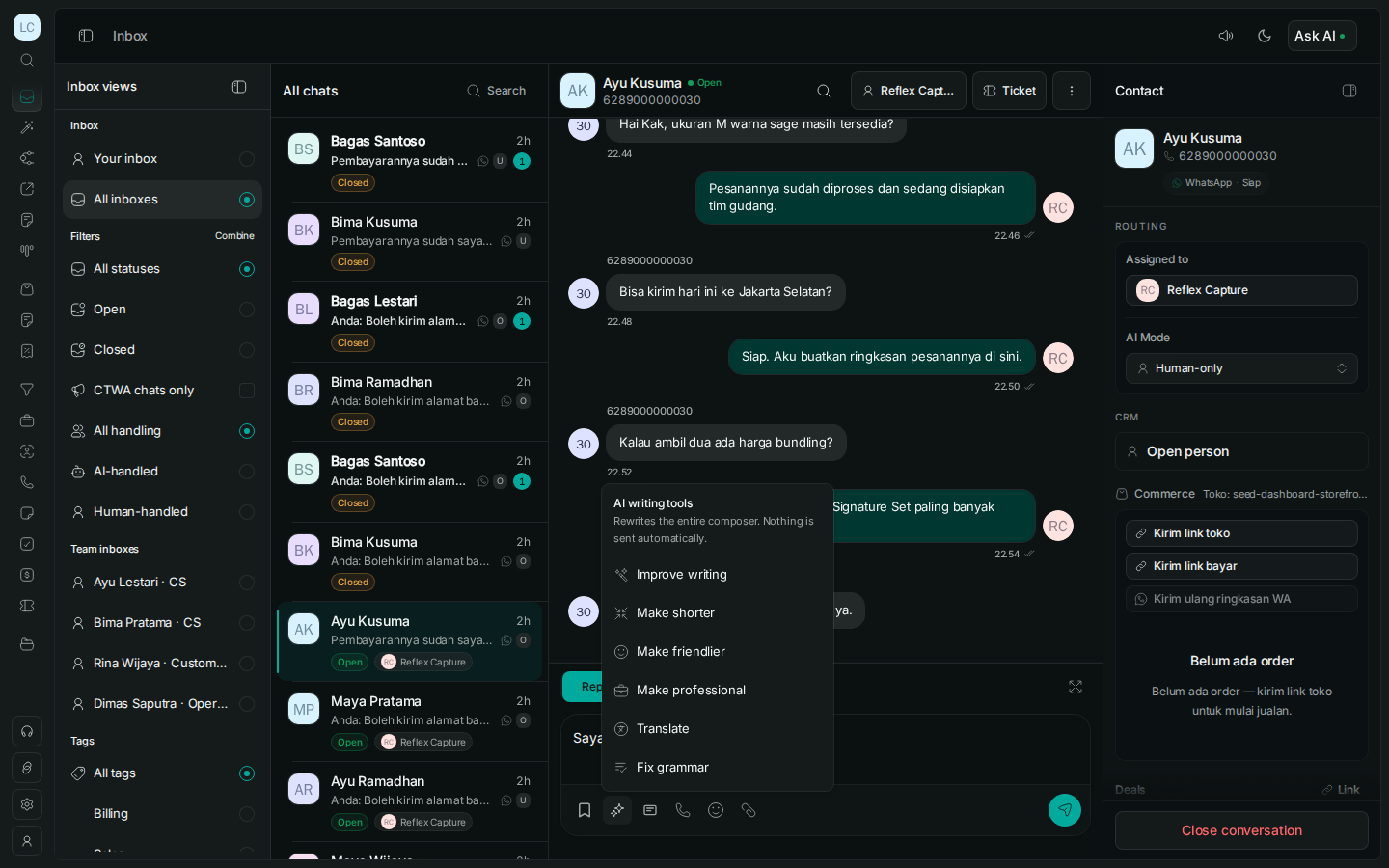
Keep the chat connected to what happens next.
01 / 05 · Team inbox
Know who is replying—and what is still unassigned.
Bring WhatsApp conversations into one queue with assignment, notes, customer history, and response-time alerts.
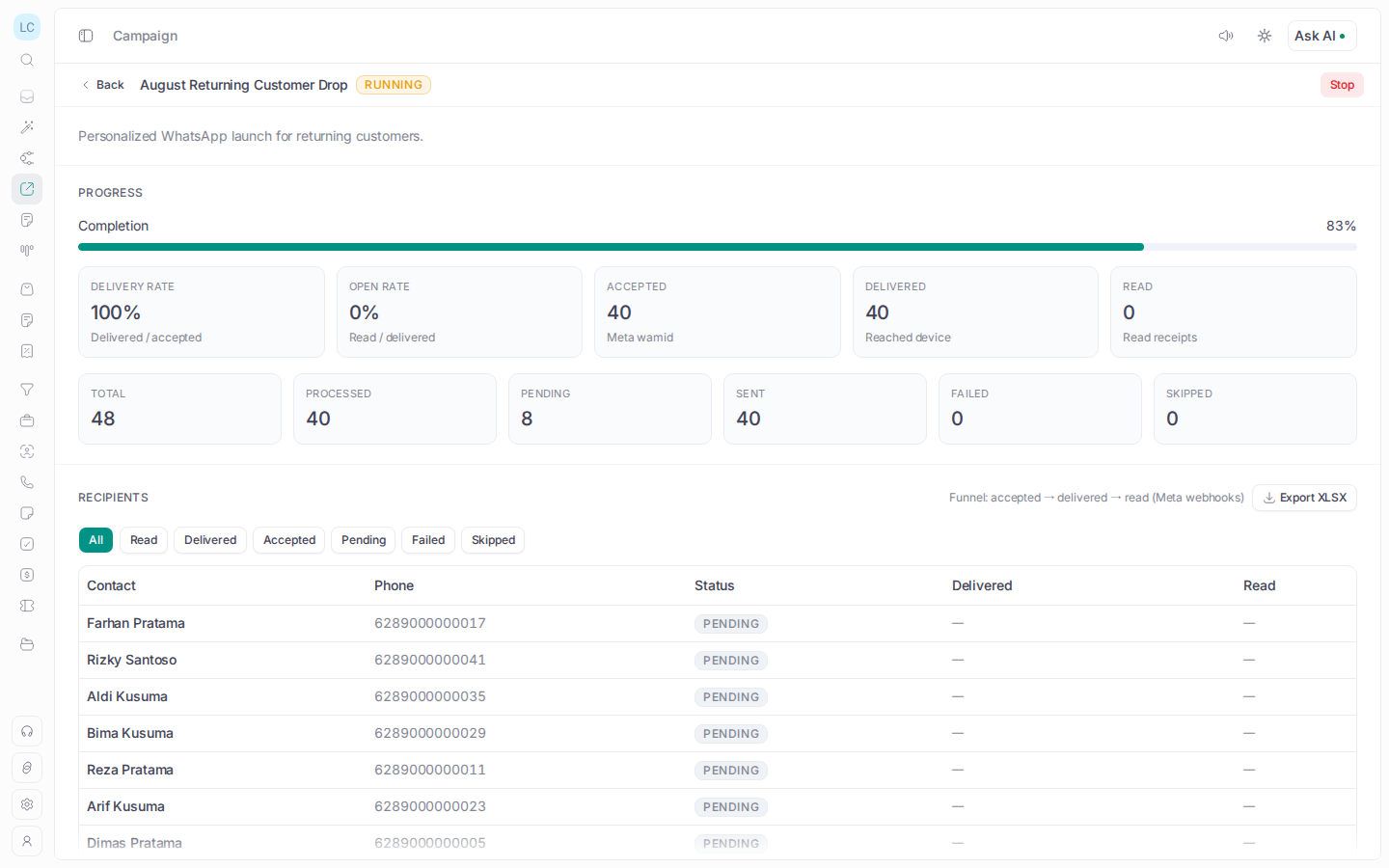
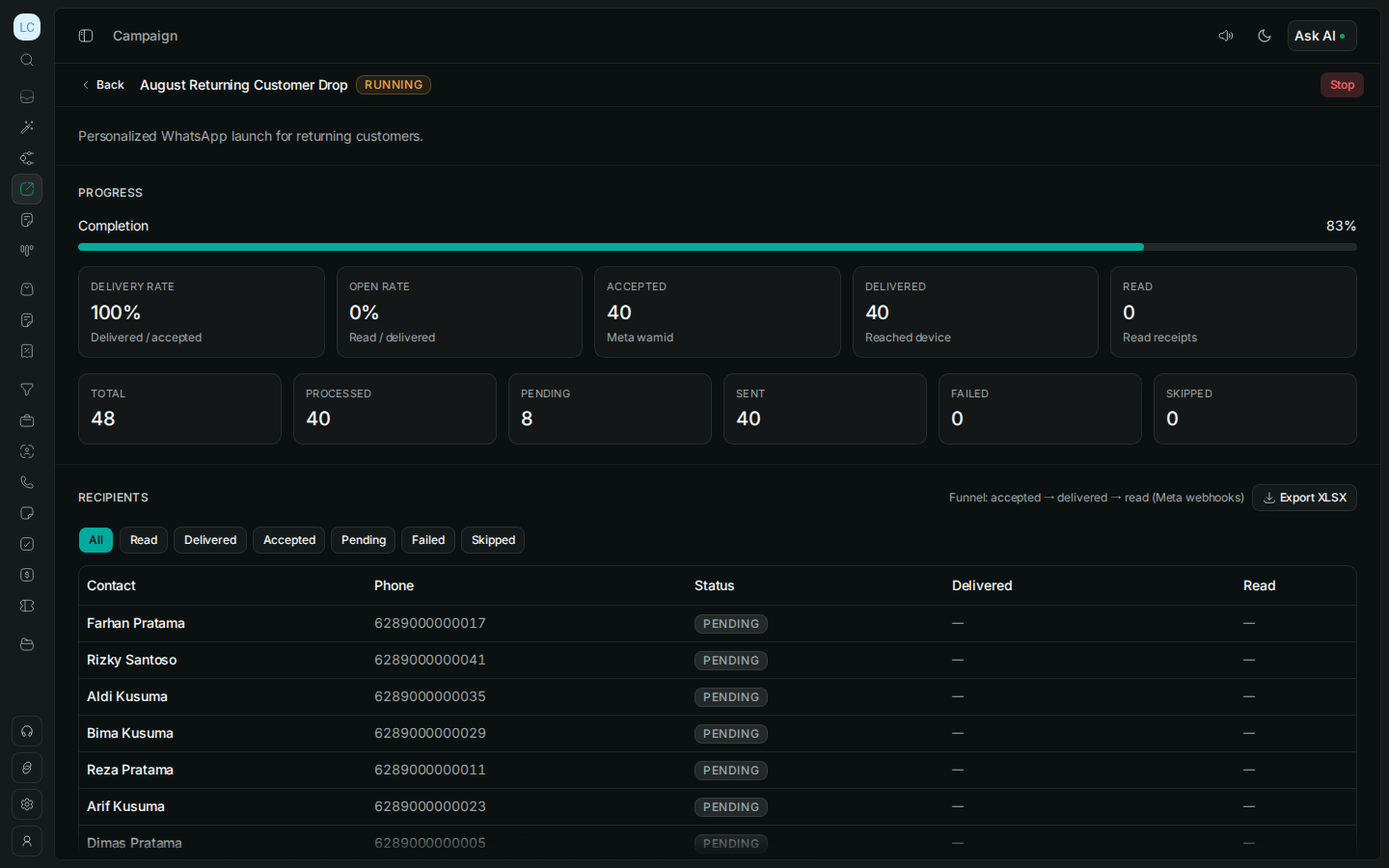
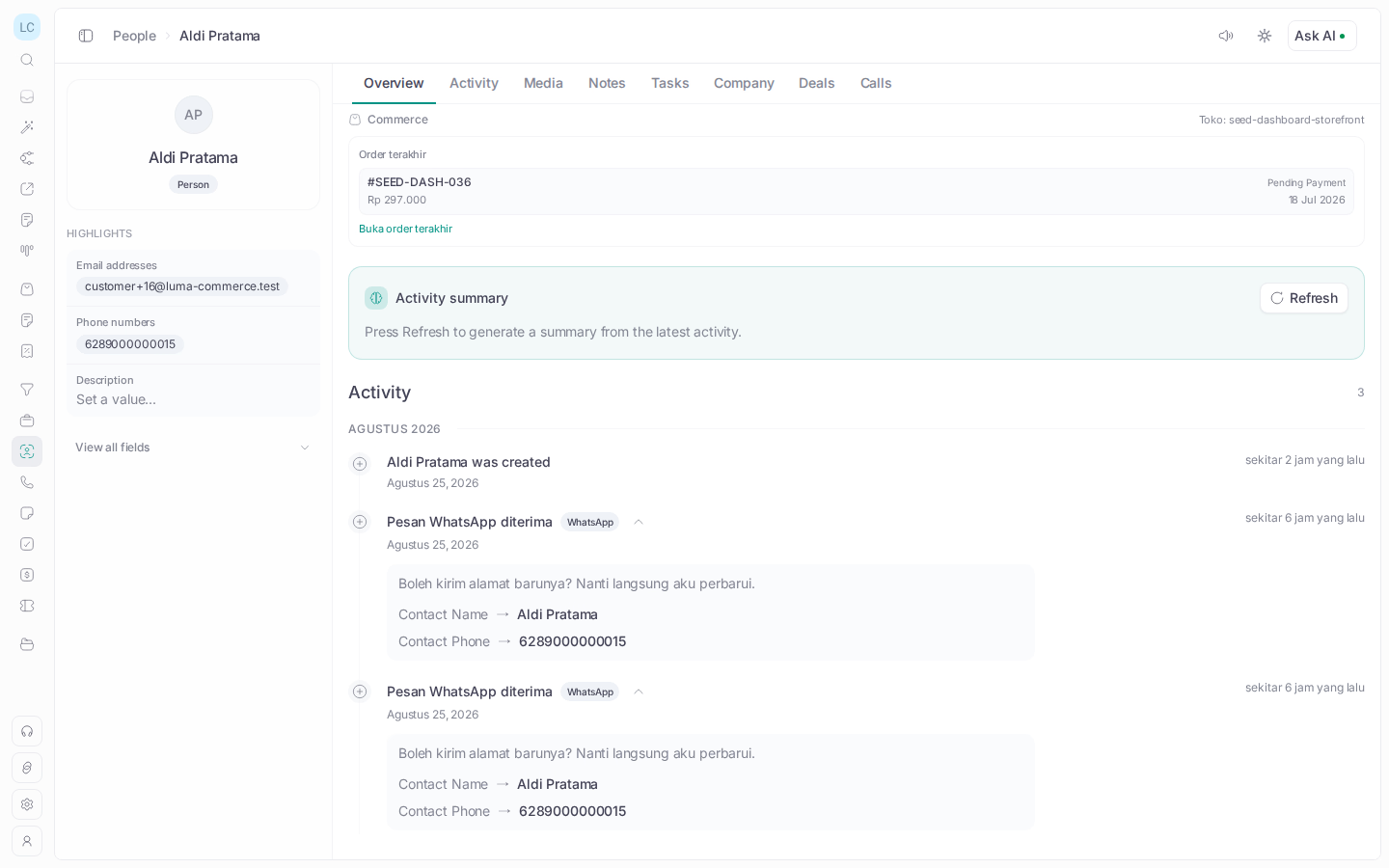
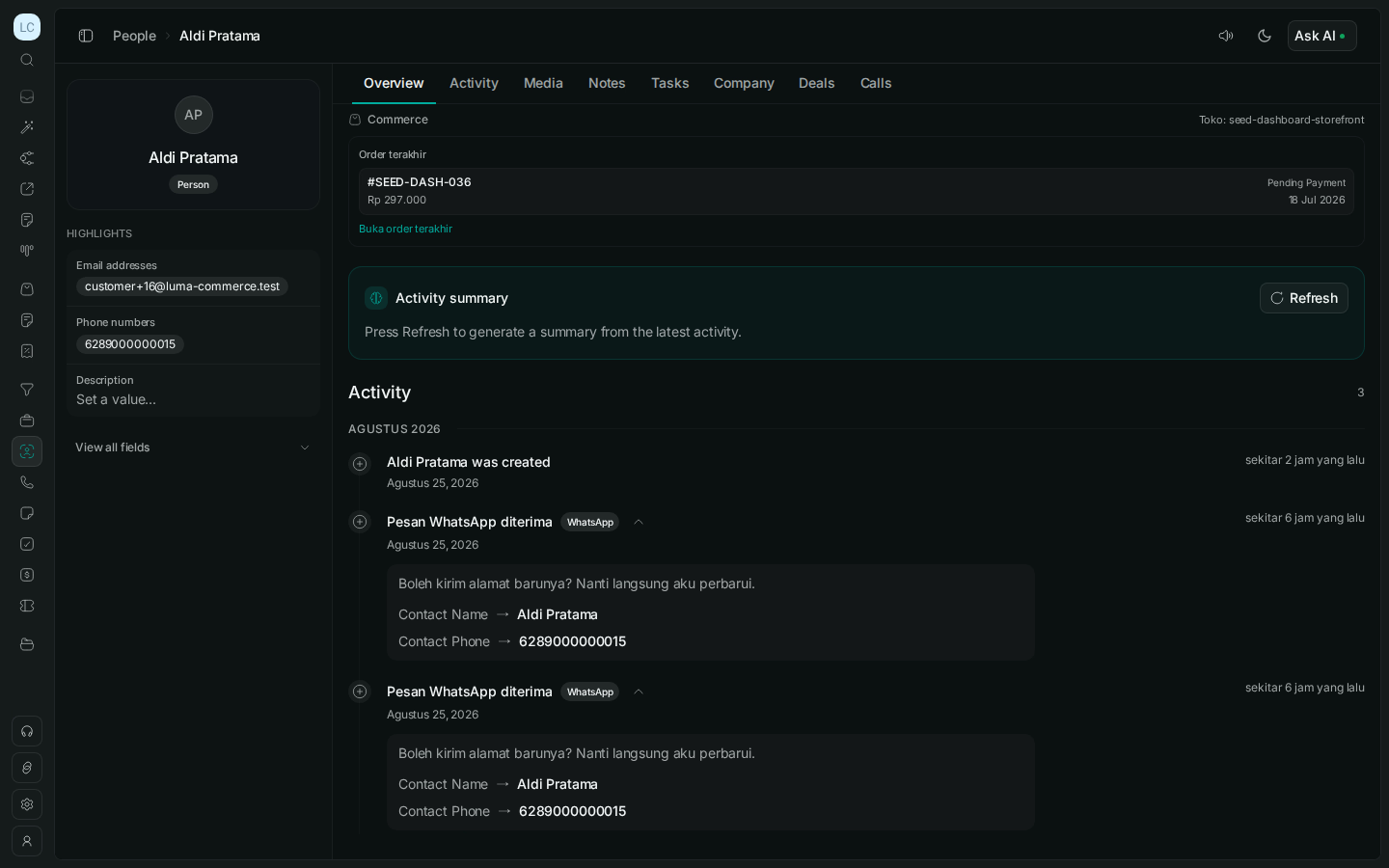
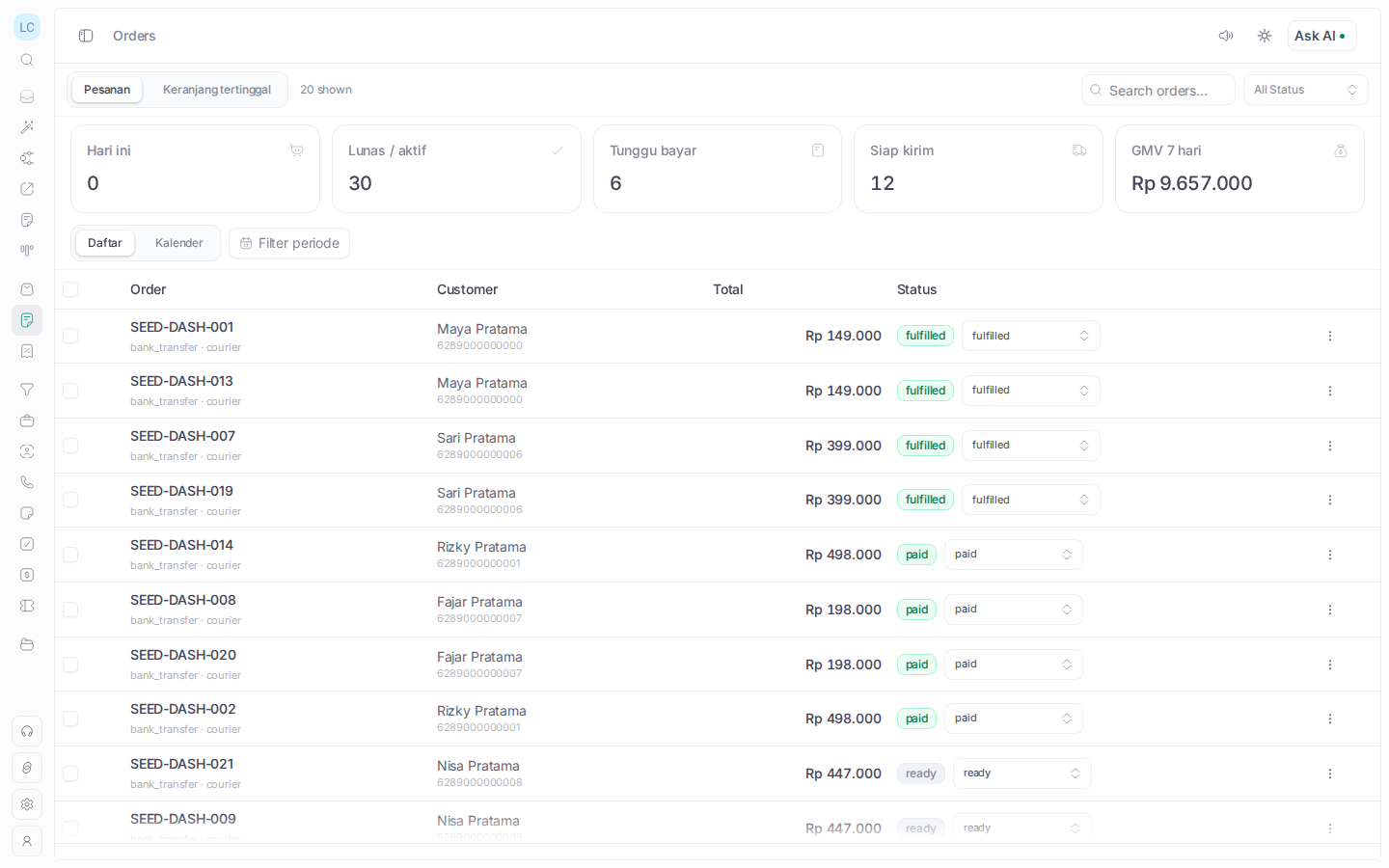
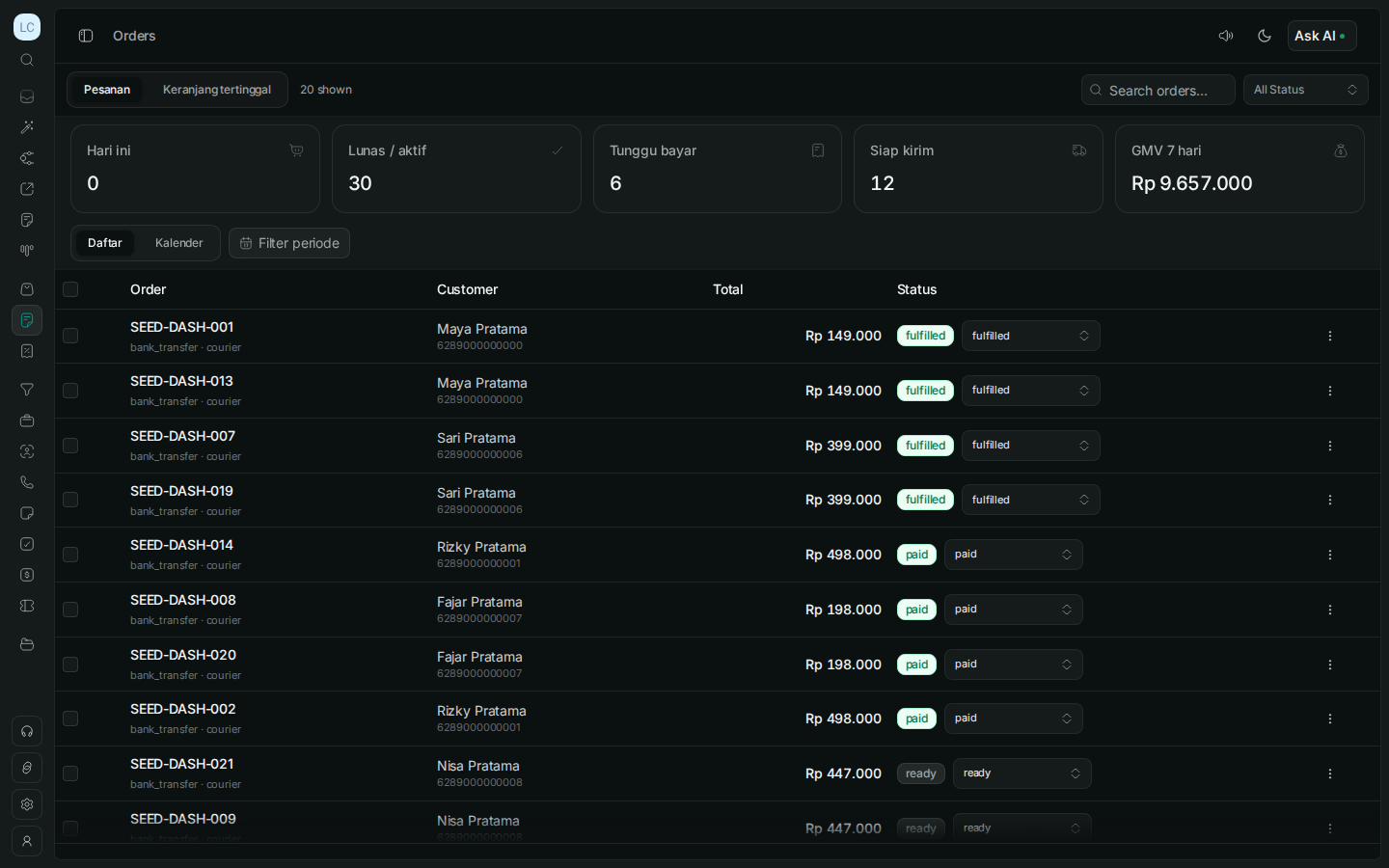
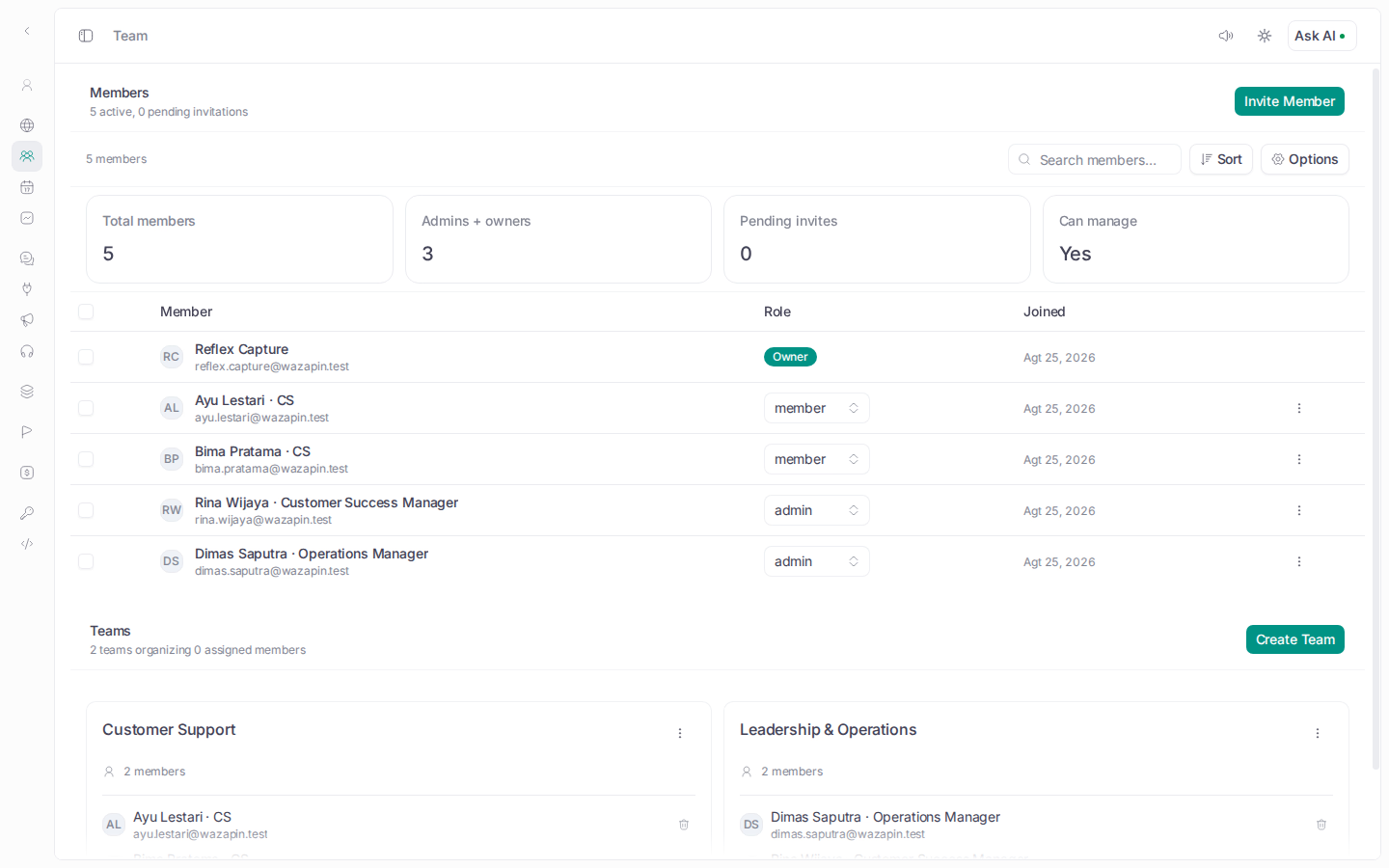
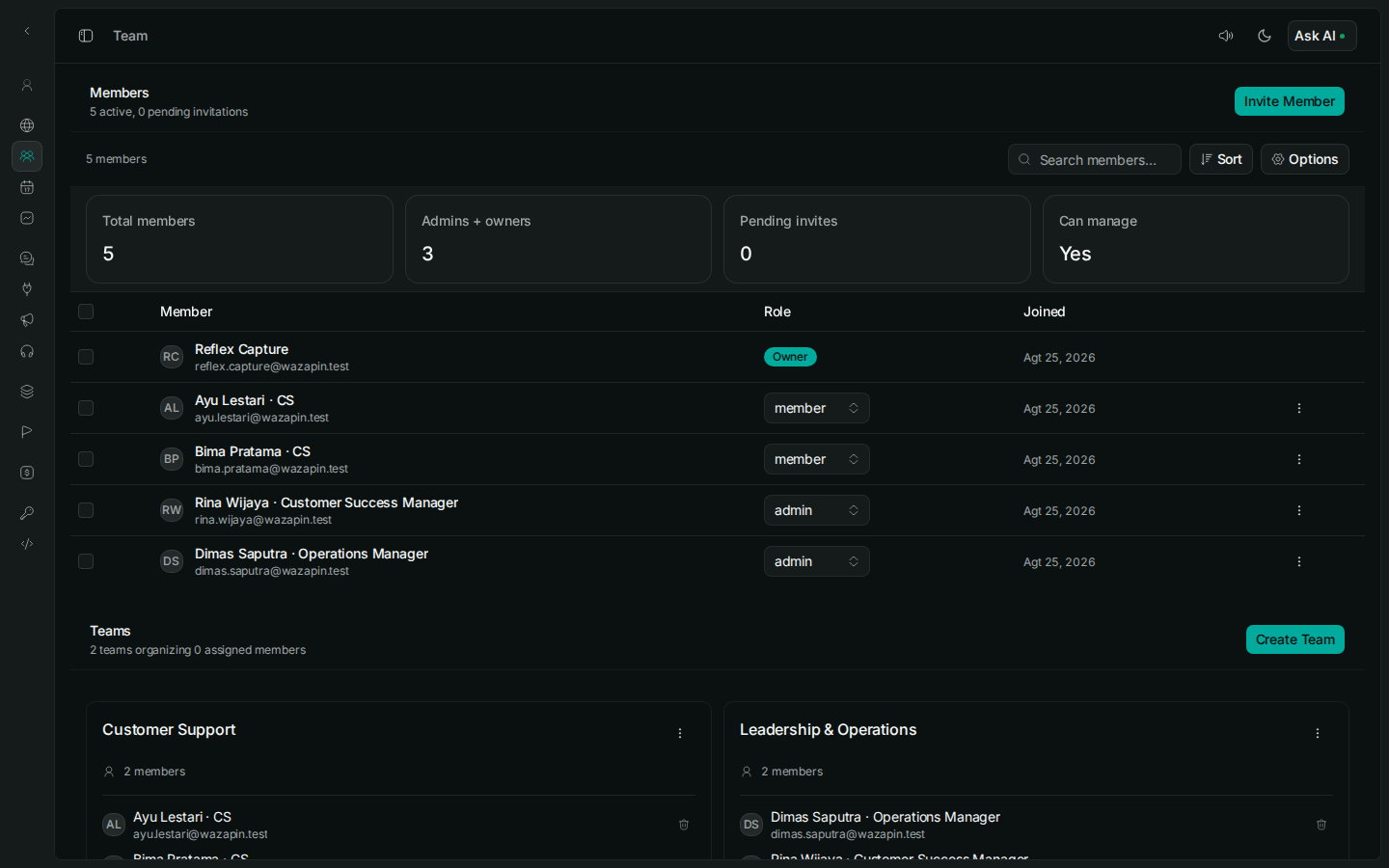
Make the next action
easy to pick up.
Keep the customer history, owner, note, and approved reply together so the next person can continue.
Start with the chats
that need attention.
See unassigned conversations, overdue replies, and unfinished follow-ups before customers have to ask again.
One WhatsApp workspace.
Six ways to keep work moving.
Use the left and right arrow keys, Shift plus mouse wheel, or drag to browse WhatsApp features.
3 ways to finish the conversation
See how Wazapin finishes what starts in WhatsApp.
Walk through a real customer conversation—from the first reply to payment, order, booking, or follow-up.